
Description
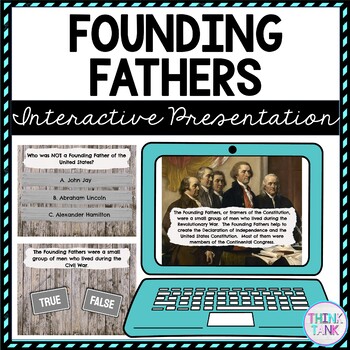
Founding Fathers Interactive Google Slides™ Presentation | Distance Learning
Try something new with this Digital Founding Fathers Interactive Google Slides Presentation ™ with self-checking questions! You can EASILY download the Google Slides ™ as a PowerPoint if that platform works better for you! (directions inside) Perfect reading comprehension activity for distance learning!
Topics include: Founding Fathers, John Adams, George Washington, Thomas Jefferson and Benjamin Franklin.
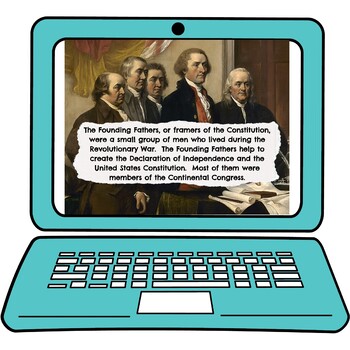
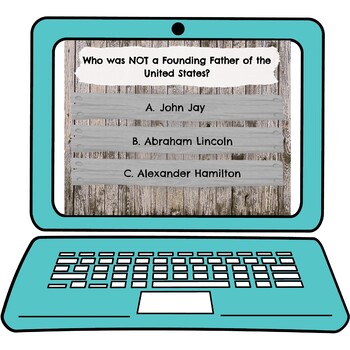
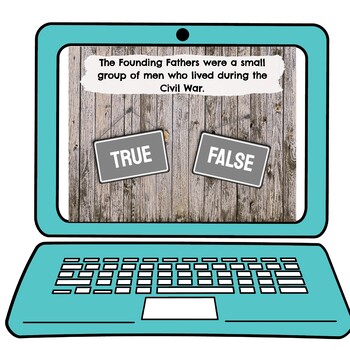
Students will read a short paragraph and then answer a question, move onto the next paragraph on a new slide and complete the corresponding question. There are 15 short passages and 15 questions.
Please view the video to get a good understanding of this resource.
What’s Included?
✔️ Short Non-Fiction Reading Passages
✔️ Corresponding Questions
✔️ Teacher Directions
✔️ Student Directions
✔️ Words to Know
✔️ Interactive Google Slides™ Presentation
✔️ Background Sound
What types of questions are used?
Multiple Choice
True/False
What do students need?
✔️ Access to Google Classroom™
✔️ Google ™ accounts
Click HERE to join my newsletter and get a FREE Escape Room!
Leah D. –
Students really enjoy these interactive presentations. I like to go through the presentation with the whole class so we can discuss the information.
Fernando Garcia –
Such a great source and it was easy to understand as well as easy to assign.
HollywoodTeachers –
My STEM classes used this. This was very helpful. Thank you.
Samantha W. –
This was a great resources to add to our Founding Fathers unit. The questions were simple and straightforward and the students were really engaged in this activity. We used it as a review station.
Staci M. –
So helpful when you have no curriculum thank you!
Michelle Detar –
Great resource!