

Description
Renaissance Interactive Google Slides™ Presentation | Distance Learning
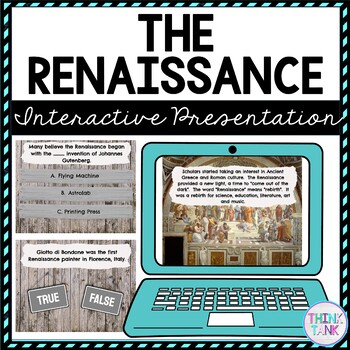
Try something new with this Digital Renaissance Interactive Google Slides Presentation ™ with self-checking questions! You can EASILY download the Google Slides™ as a PowerPoint if that platform works better for you! (directions inside) Perfect reading comprehension activity for distance learning!
Topics include: Renaissance, Michelangelo, Leonardo da Vinci, Raphael
Students will read a short paragraph and then answer a question, move onto the next paragraph on a new slide and complete the corresponding question. There are 14 short passages and 14 questions.
Please view the video to get a good understanding of this resource.
What’s Included?
✔️ Short Non-Fiction Reading Passages
✔️ Corresponding Questions
✔️ Teacher Directions
✔️ Student Directions
✔️ Words to Know
✔️ Interactive Google Slides™ Presentation
✔️ Background Sound
What types of questions are used?
Multiple Choice
True/False
What do students need?
✔️ Access to Google Classroom™
✔️ Google ™ accounts
Click HERE to join my newsletter and get a FREE Escape Room!
Stones of Erasmus –
I needed a quick and easy presentation to introduce the Renaissance. I like the way “humanism” was presented (which is a concept my students had difficulty grasping). While the product is geared for middle school, it worked well with my struggling high school students. We went through the Google Slide in class but they used the interactive features at home as a study guide. Thanks!
Histeria –
Great Resource
Catherine H. –
Thanks for the great work in this resource. This has worked well for my class on a day I was absent. Easy to use and accessible for all my students.